
VELUX Skylight Design Tool
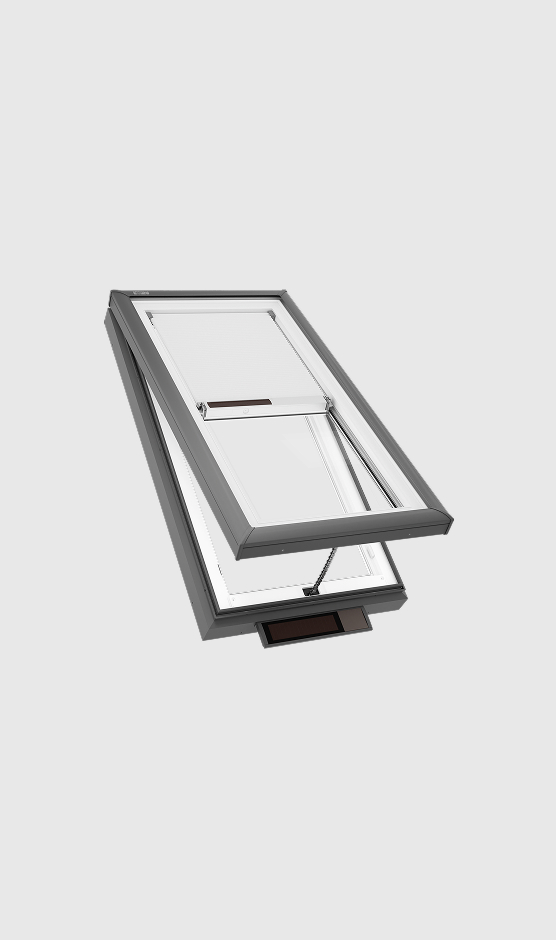
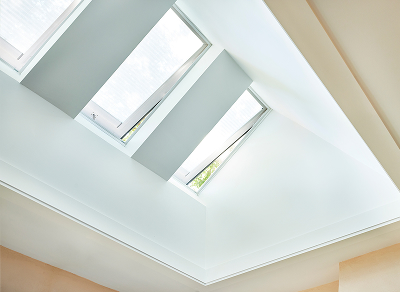
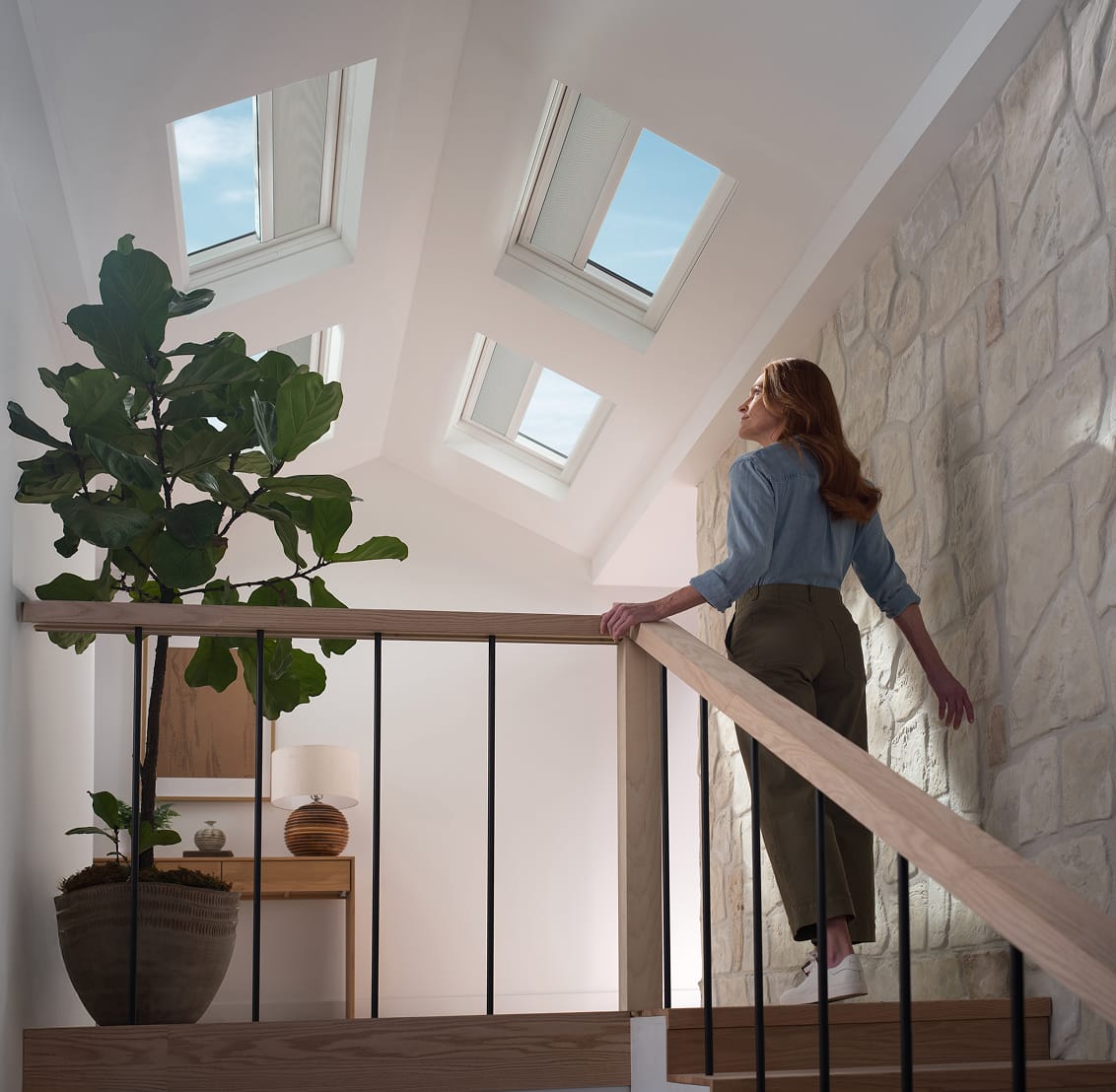
See how VELUX Skylight Systems can let the light in.
How It Works
-
01 /
Take the Photo
Capture a well-lit image of your room.
-
02 /
Mark the Area
Draw where you want the skylight placement.
-
03 /
Configure
Choose the skylight options, then preview your room with natural daylight.
Upload a room photo to begin.
Upload your room image
Start by uploading a photo of the room where you'd like to install VELUX skylight systems. Choose an image with a clear view of the ceiling or roof area.
Start Drawing
Draw on the ceiling plane where you want the skylight placed. Use one closed shape per skylight area so the AI can follow the placement.
Start drawing
Use your cursor to begin marking the position of the skylights in your photo.
Upload a room image to start marking placement.
Configure your skylight
Choose the quantity and skylight characteristics that best match the concept you want to preview.
You still need to finish 3 steps before you can generate.
- Upload your photo Required
- Mark skylight placement Required
- Complete skylight selections Required
Please complete the reCAPTCHA verification.
Your Skylight Visualization
Compare your room before and after installing VELUX skylights.
Drag to compare your original room with the AI visualization.
◀
▶
Generating your skylight visualization...
Ready to transform your space?
Contact a VELUX installer to get started with your skylight installation.
Refine the image
Describe what should change. The skylights can be resized or repositioned during refinement.
Or try the for a quick exposure and warmth boost.